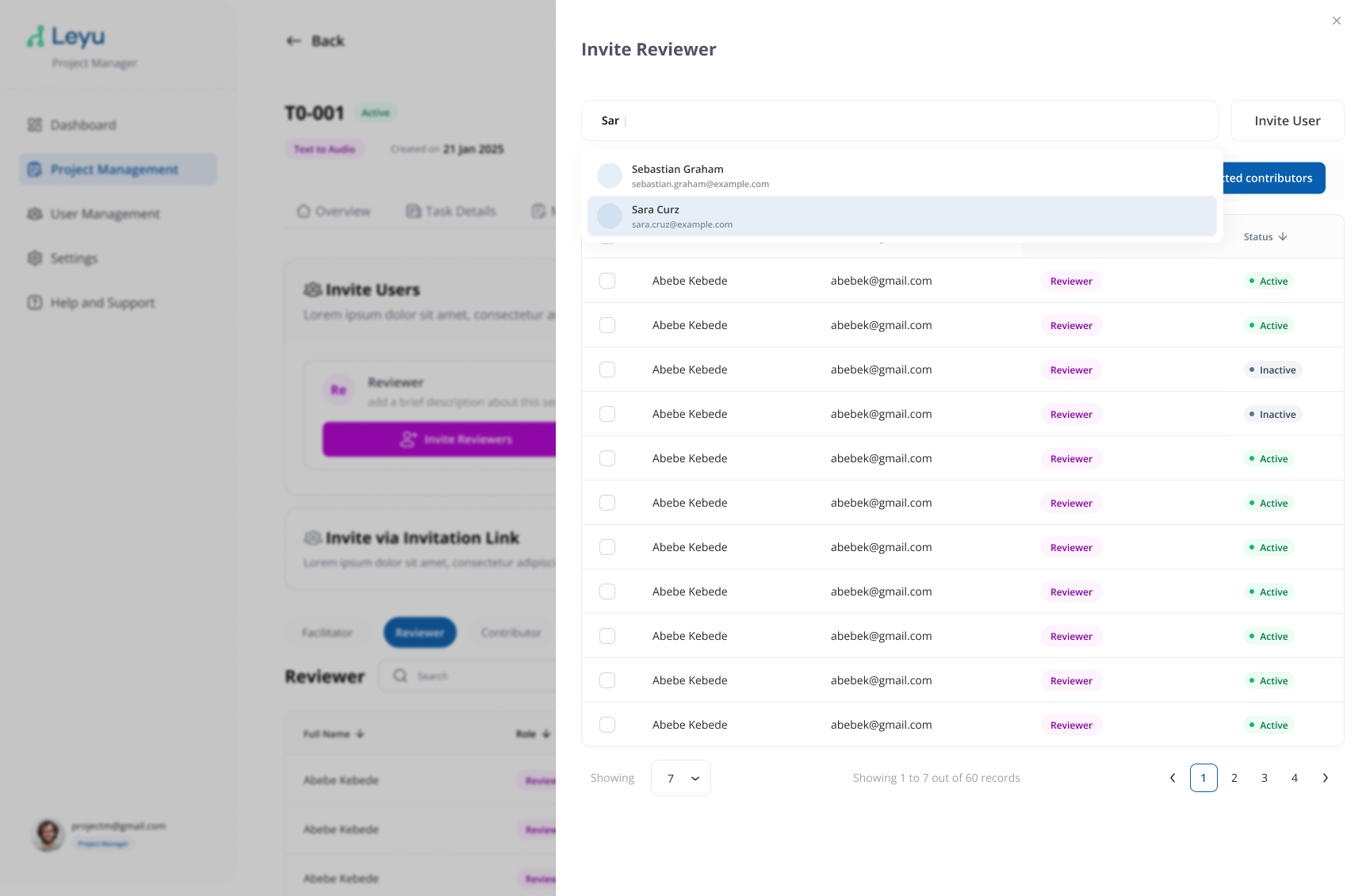
User Invitation
Invite contributors and reviewers to your project so they can participate in data collection. You can invite both existing platform users and new users who haven't signed up yet.
Steps
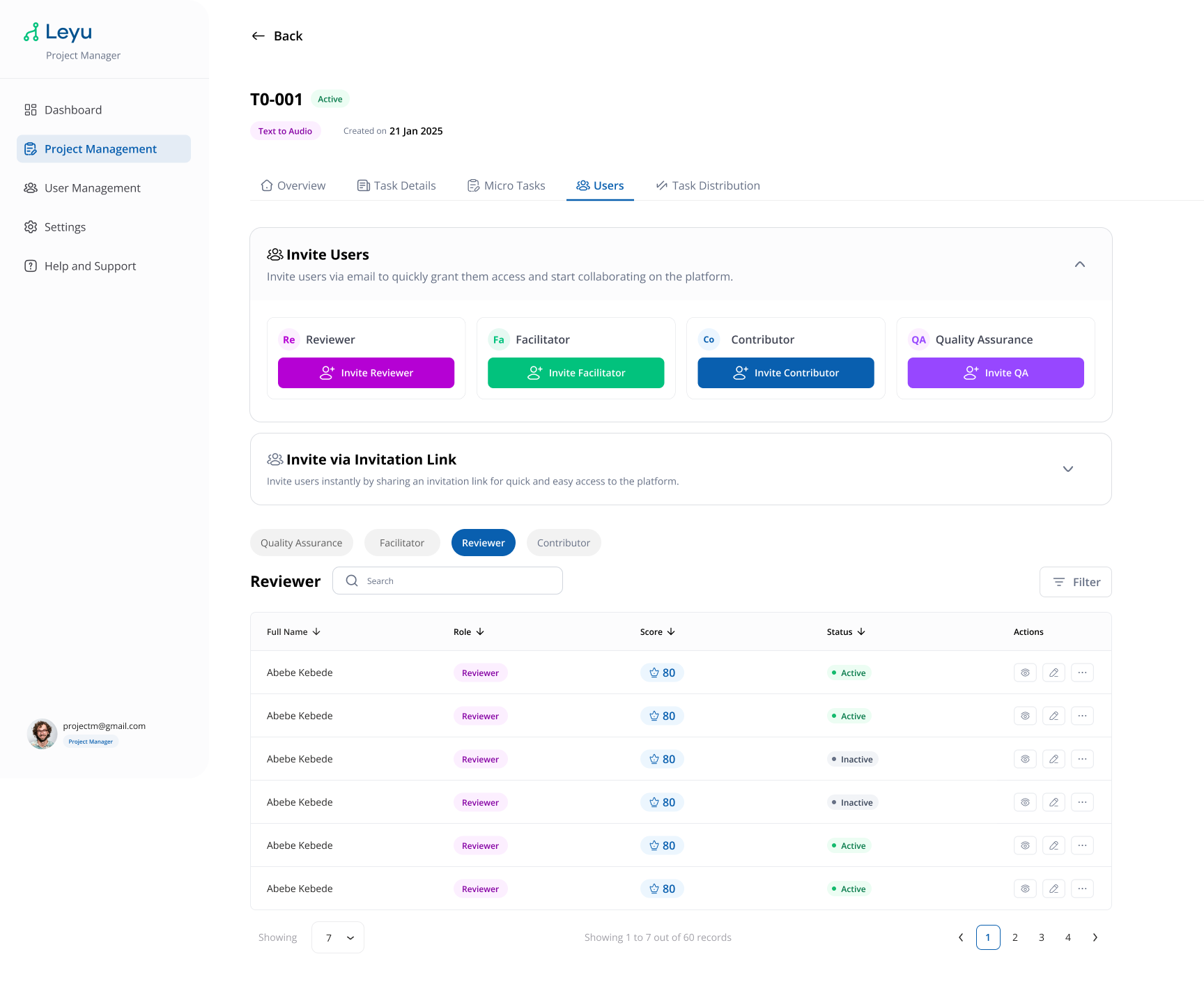
1. Open the Users Tab
Inside your project, navigate to the Users tab to manage project members.
2. Invite Existing Users
Search for users already registered on the platform and add them to the project with the appropriate role.
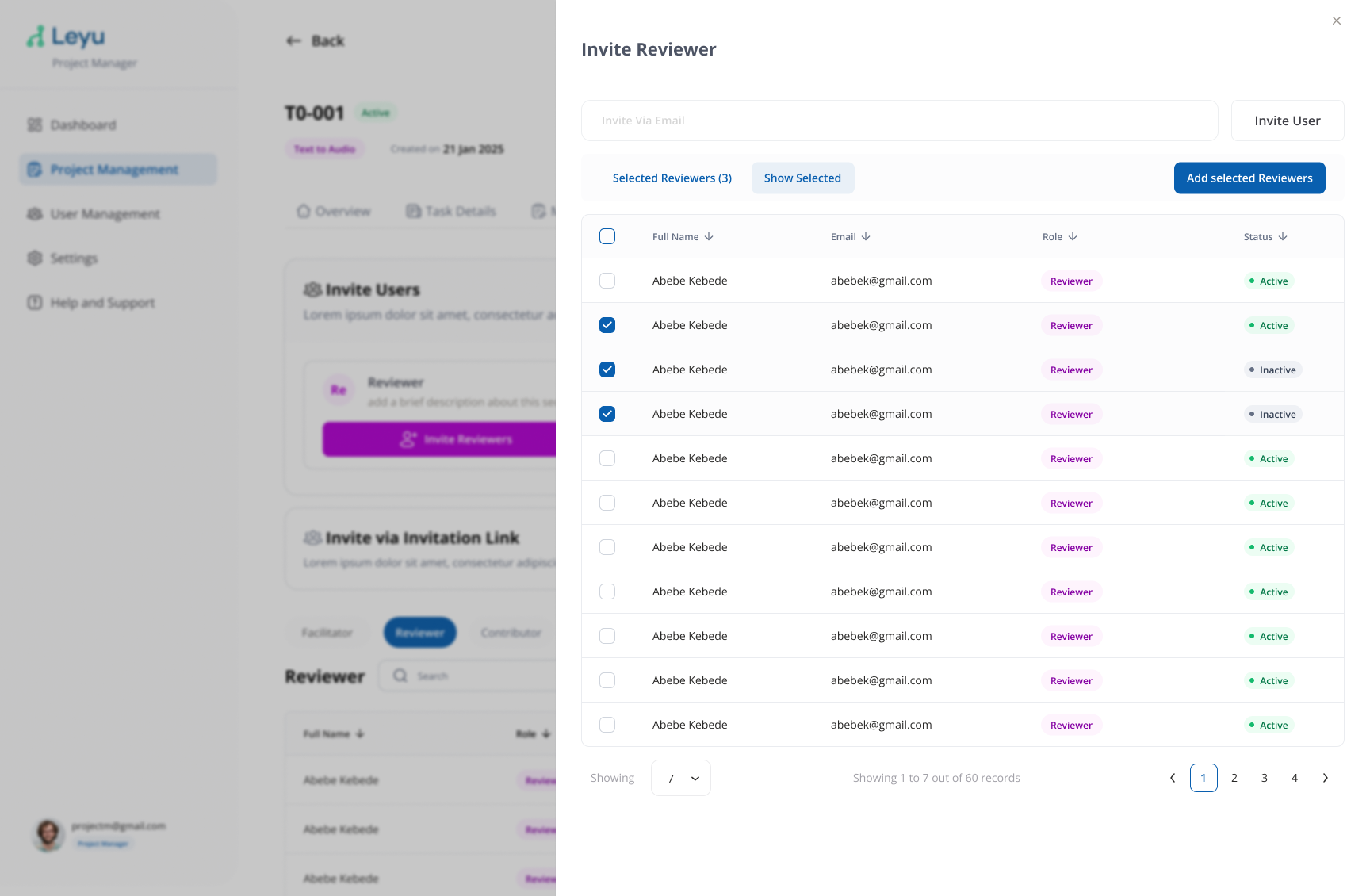
3. Invite New Users
To invite someone who doesn't have an account yet, enter their email address. They will receive an invitation link to register and join the project.