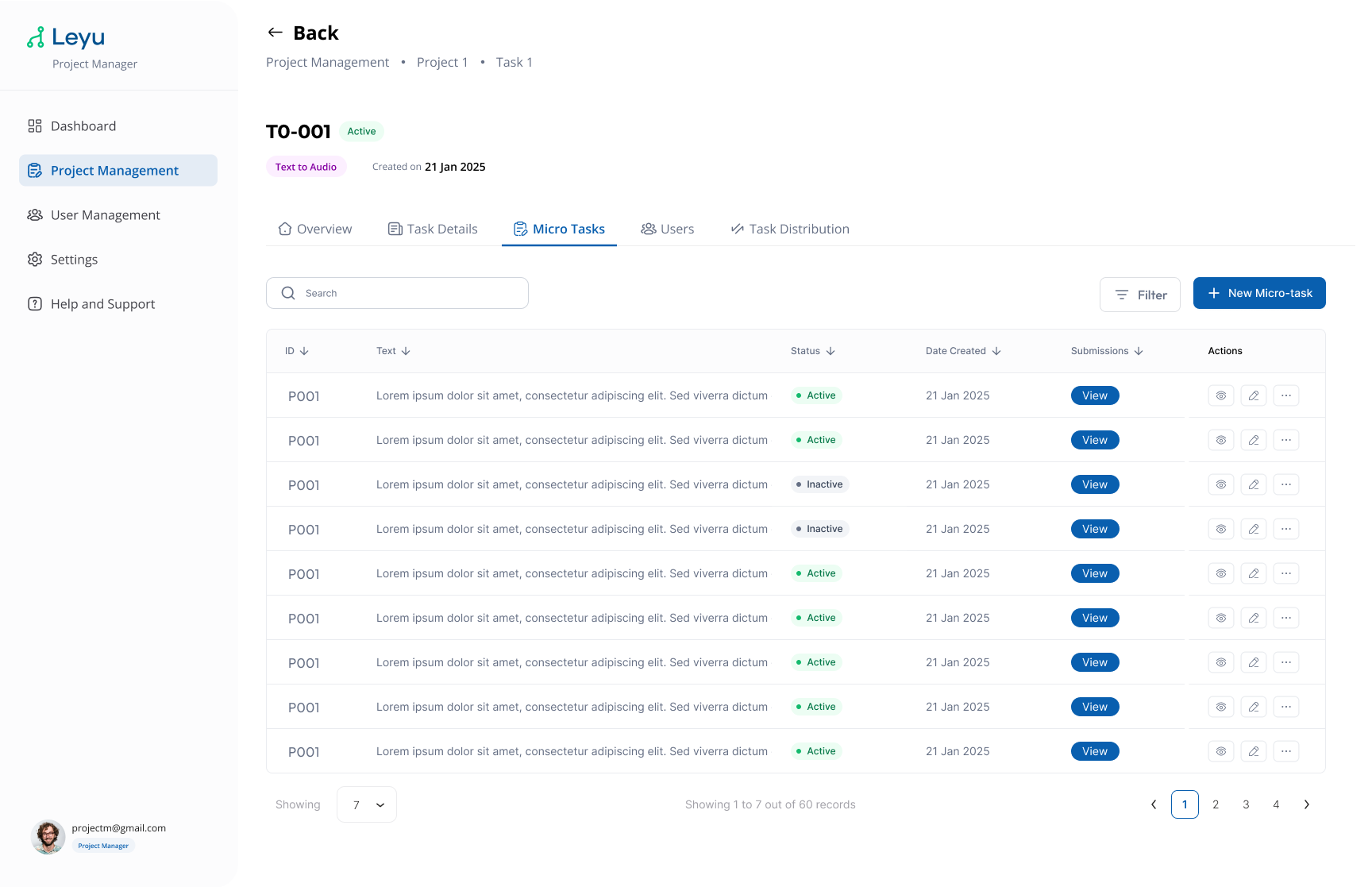
Create Micro-Task
Micro-tasks are the individual units of work within a task. Each micro-task represents a single data item a contributor needs to complete — for example, recording a sentence or labeling an image.
Steps
1. Open the Micro-Tasks Tab
Inside a task, switch to the Micro-Tasks tab to view and manage all micro-tasks.
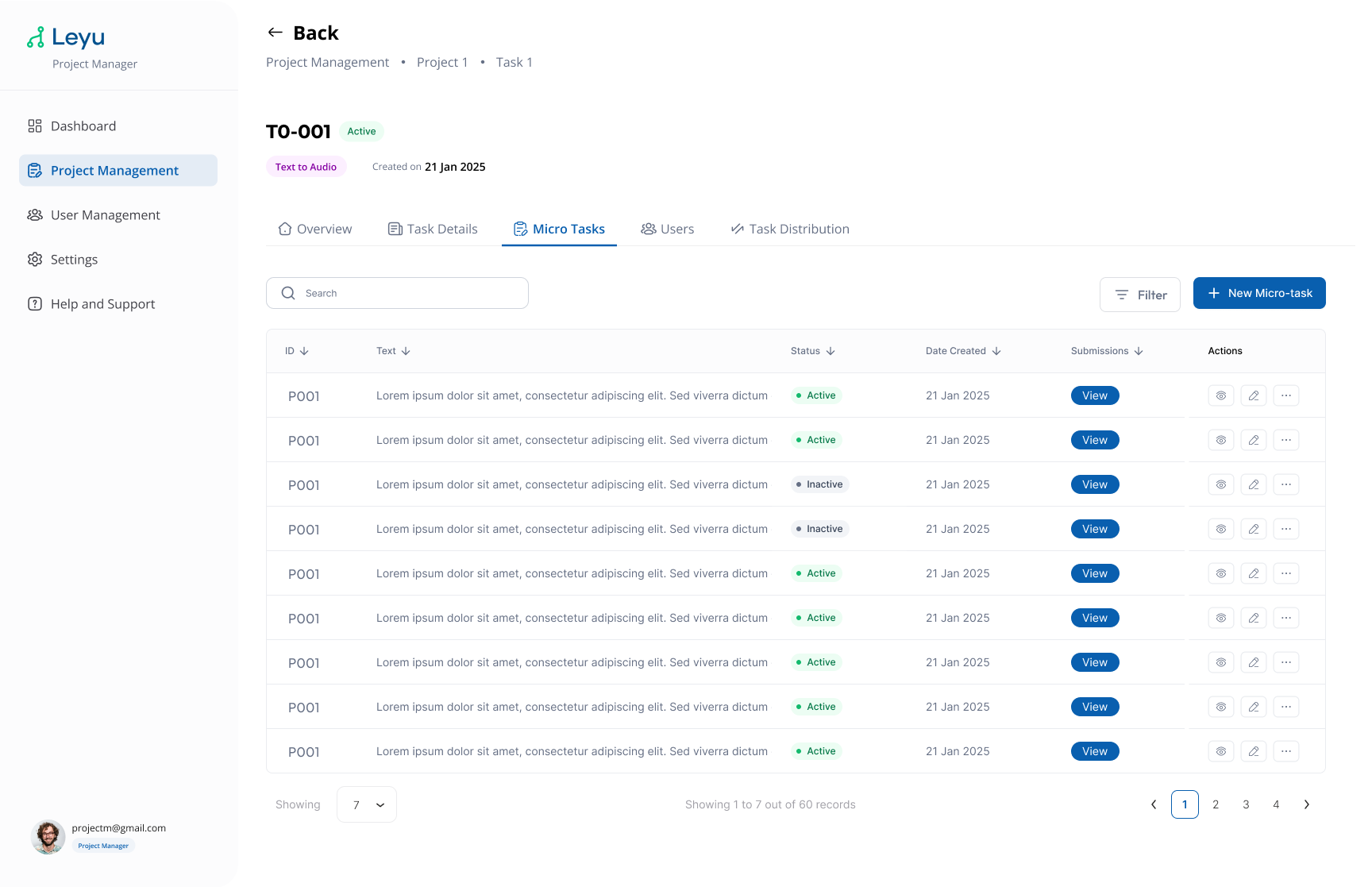
2. Create a Micro-Task
Click Create Micro-Task and fill in the required fields for the data item.
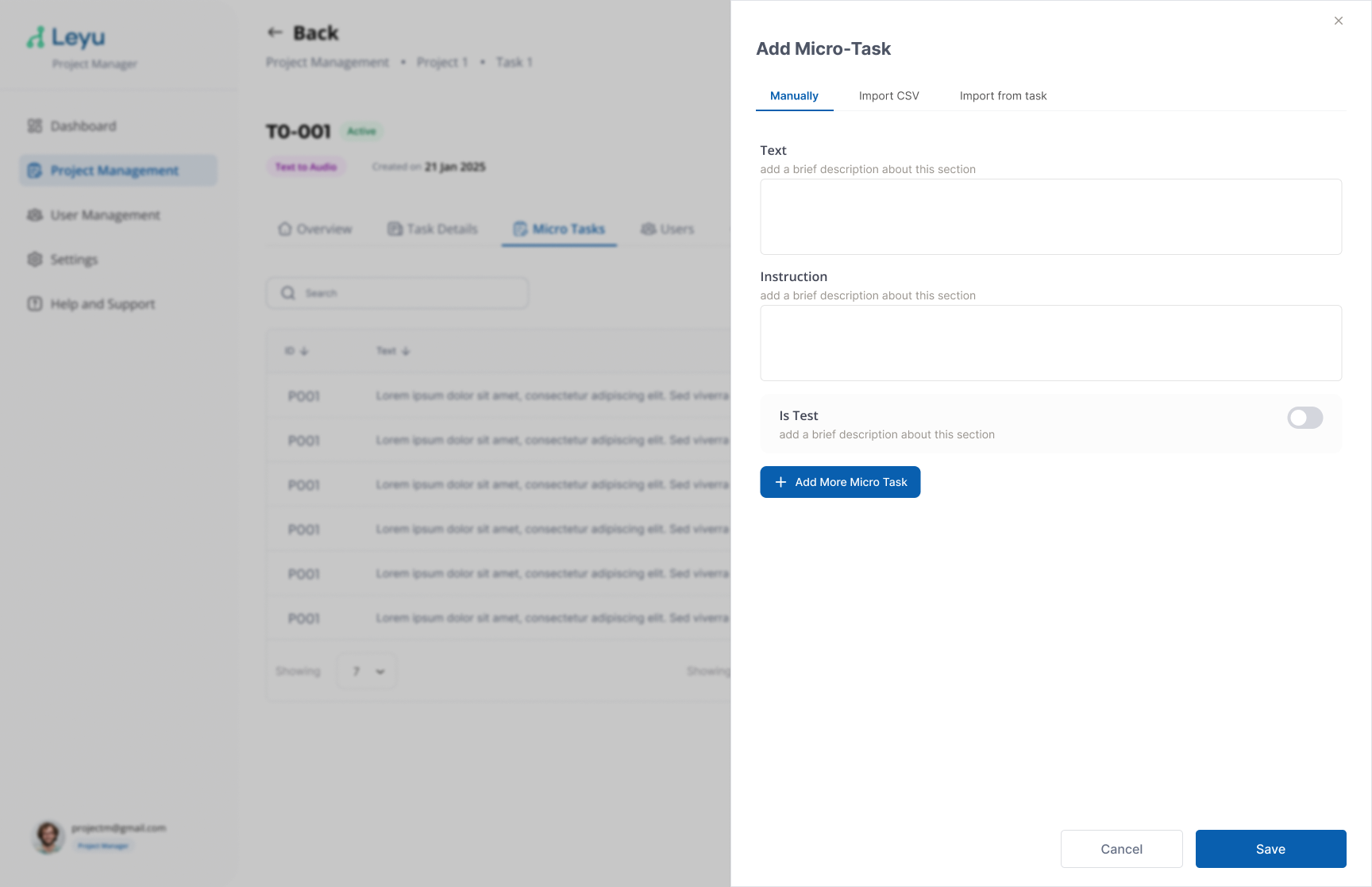
3. Import from CSV
To bulk-create micro-tasks, use the Import CSV option. Prepare your CSV file with the required columns and upload it.
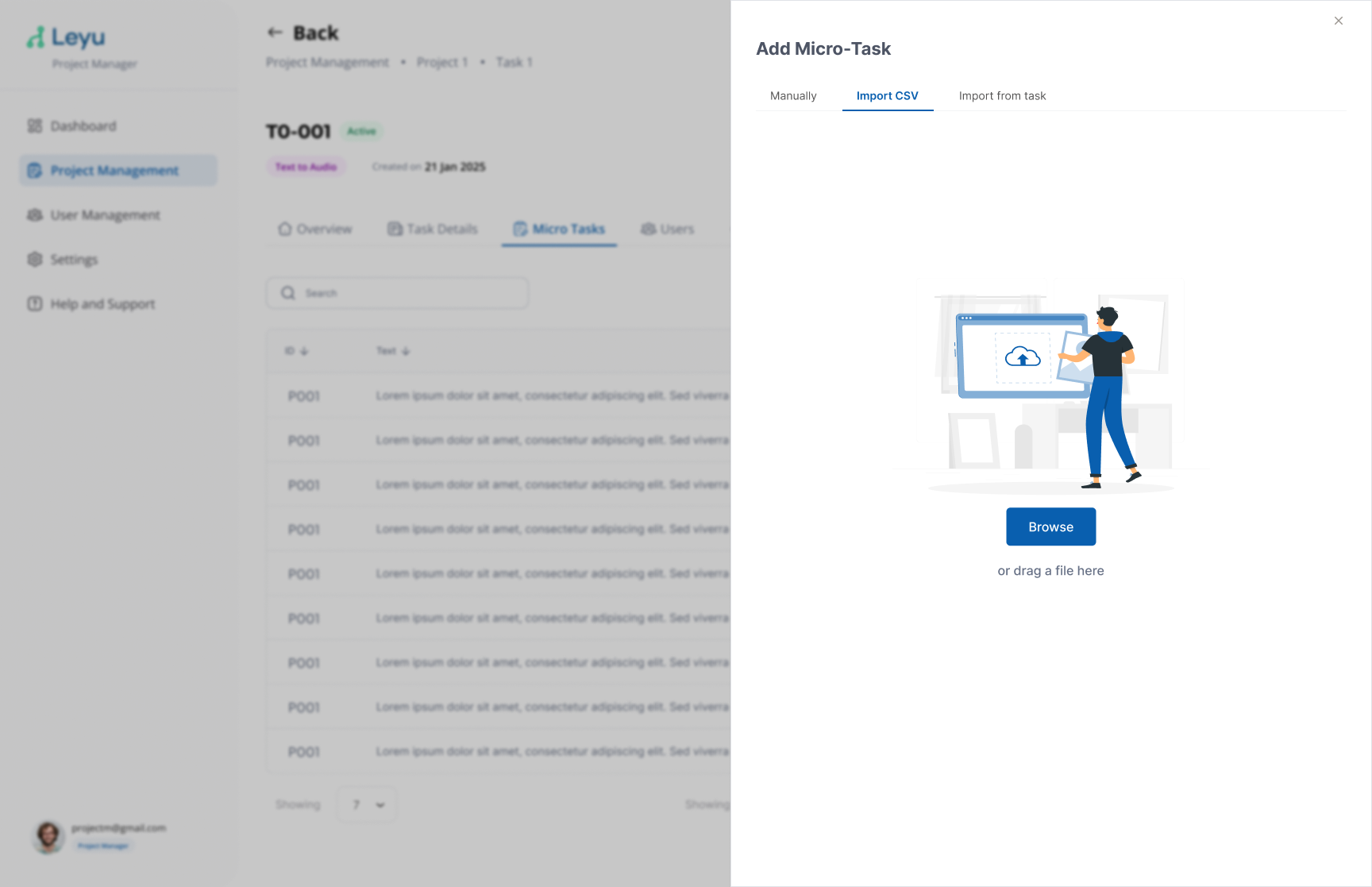
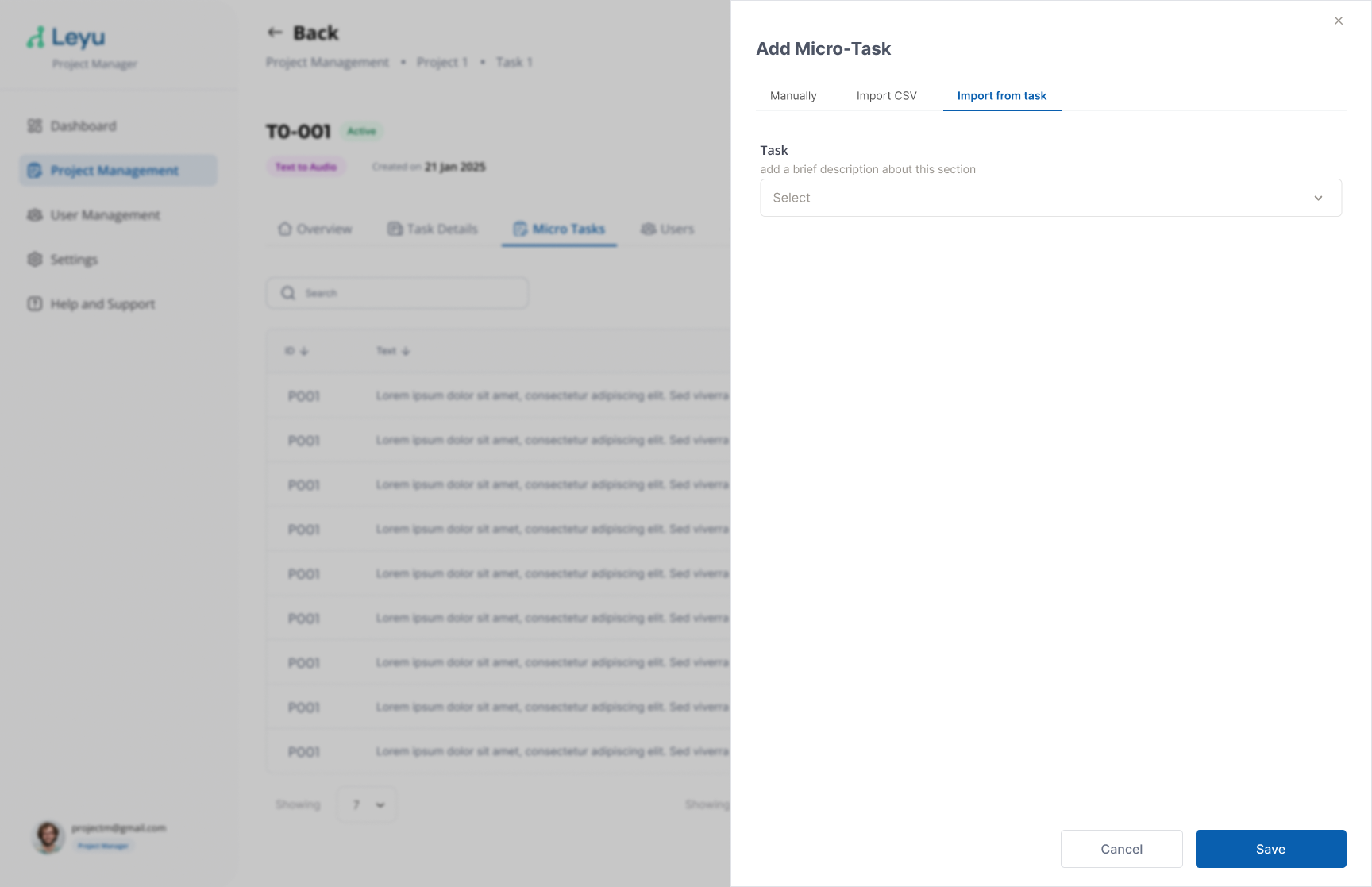
4. Import from Another Task
You can also populate micro-tasks by importing them from an existing task within the same project.
5. Navigate Between Micro-Tasks
Use the navigation controls to move between micro-tasks and verify their content.