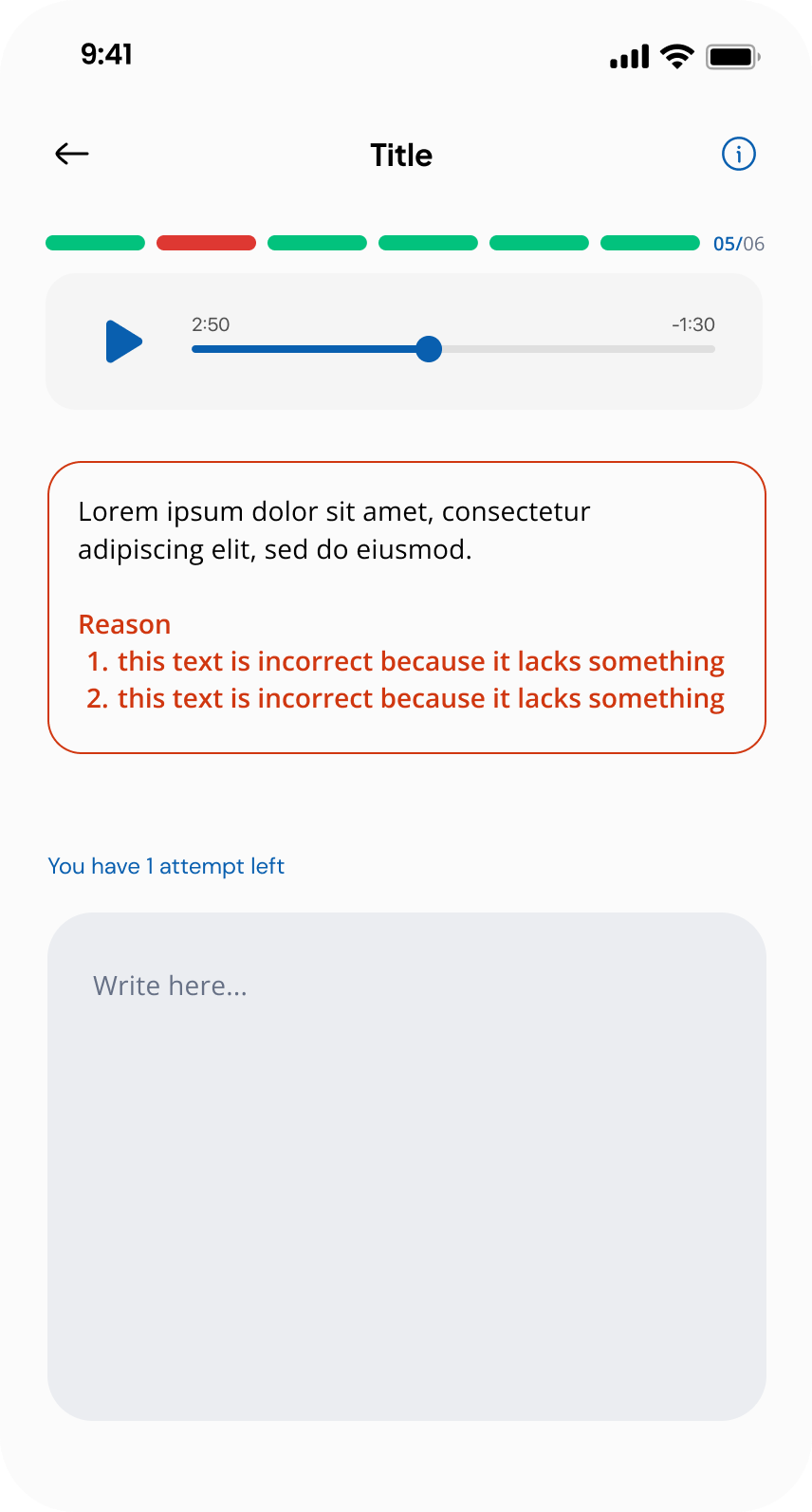
Review Submission
Reviewers are responsible for approving or rejecting contributor submissions. This quality control step ensures only valid data is accepted into the dataset.
Steps
1. Open the Reviewer Task List
As a reviewer, navigate to your assigned tasks. The reviewer task list shows all tasks where you have a review role.
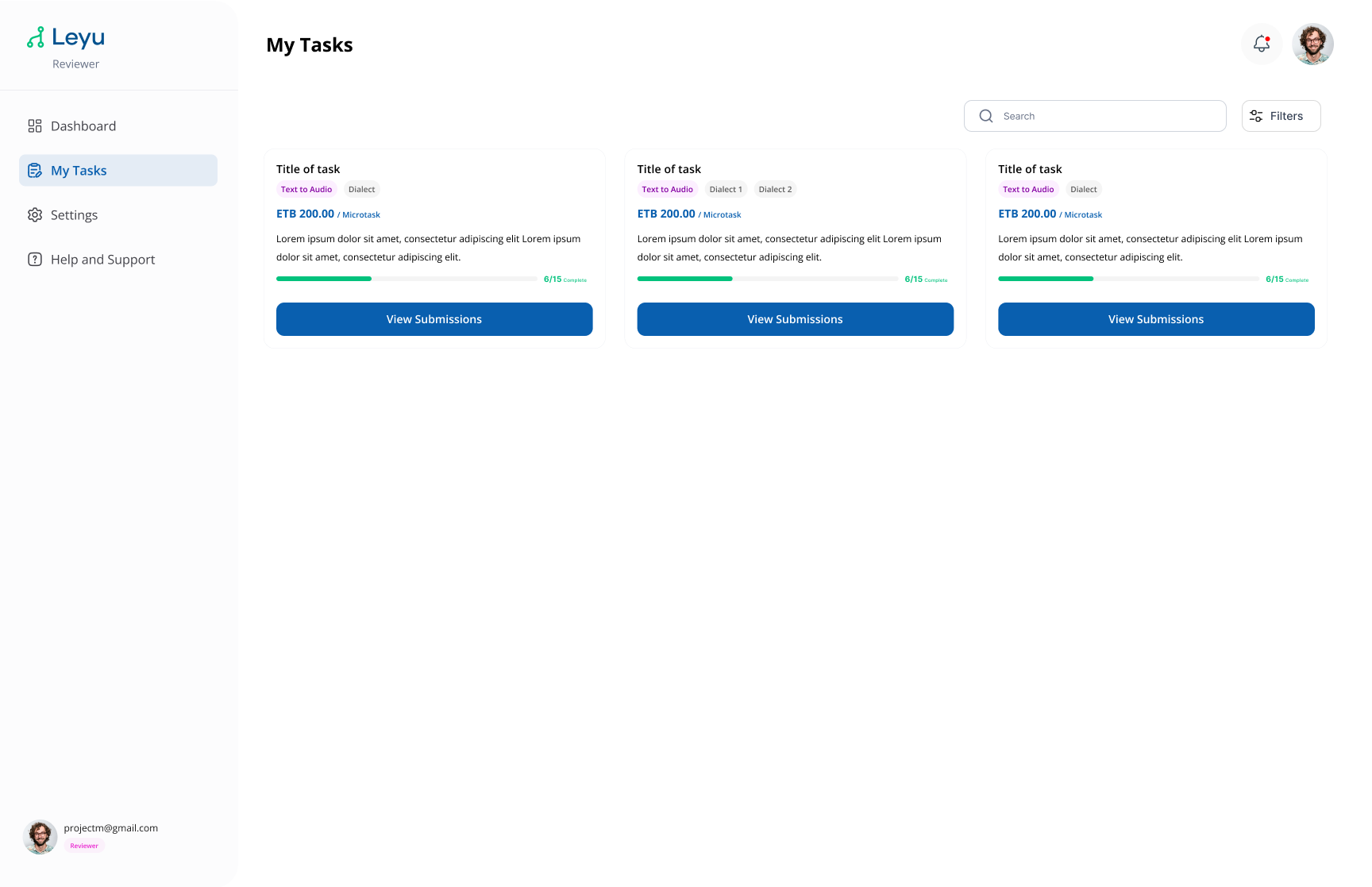
2. Review Submissions
Open a task to see the submissions pending review. Go through each submission and evaluate the quality of the contributed data.
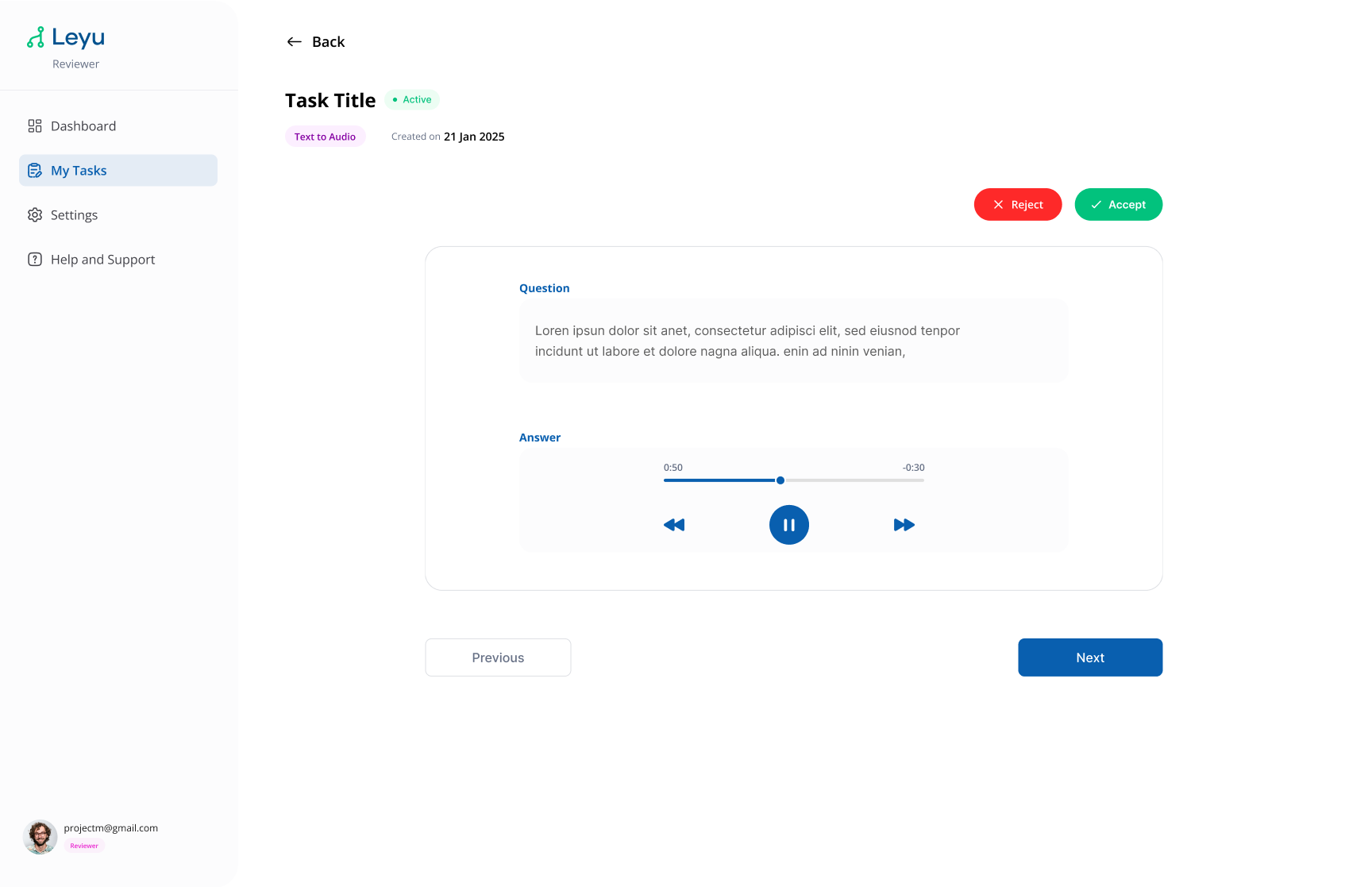
3. Reject a Submission
If a submission doesn't meet quality standards, reject it and provide a reason. The contributor will be notified and can resubmit.
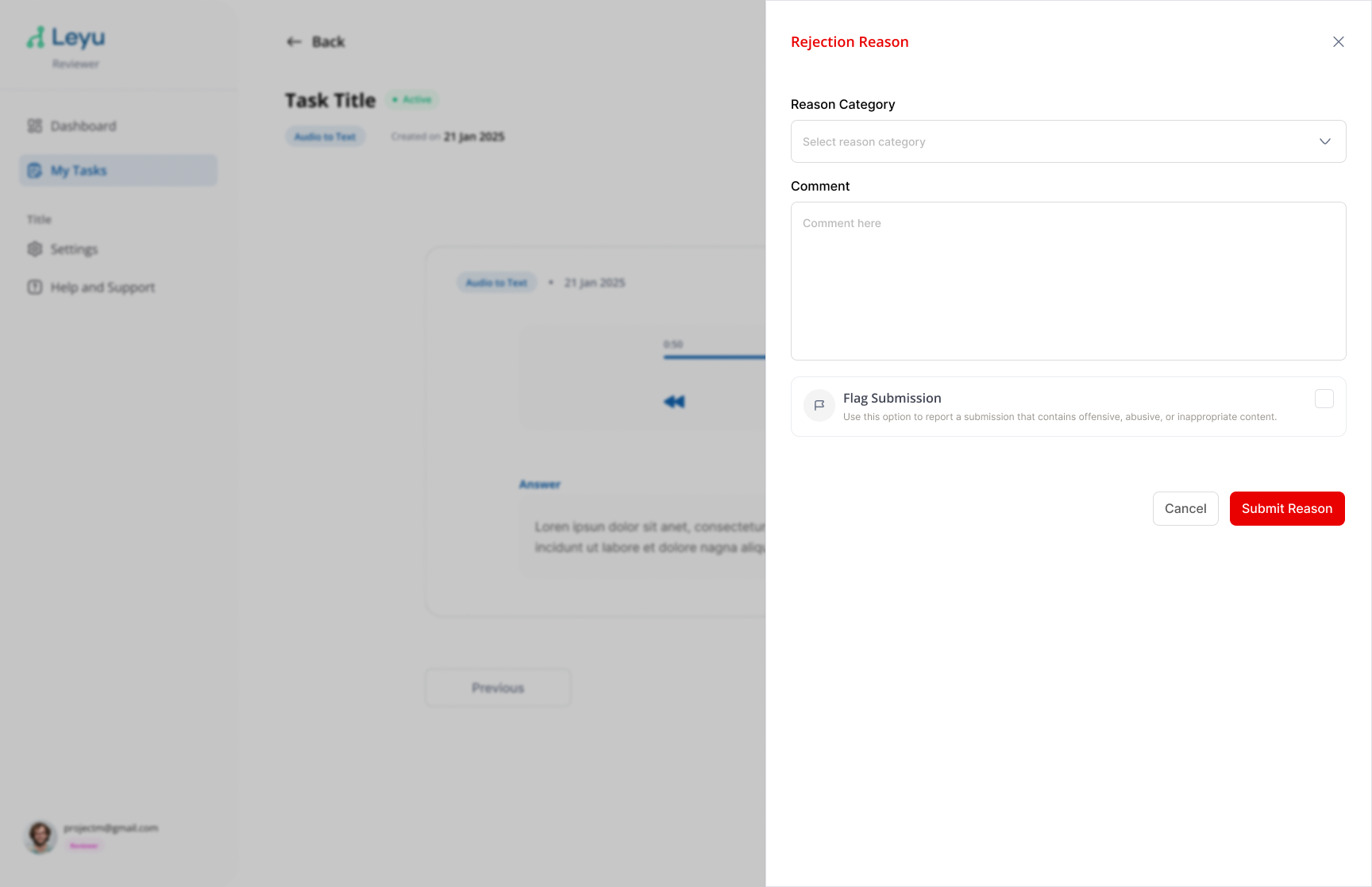
4. Mobile — Reject Submission View
Reviewers can also perform reviews from the mobile app. The rejection flow on mobile mirrors the web experience.