Task Distribution
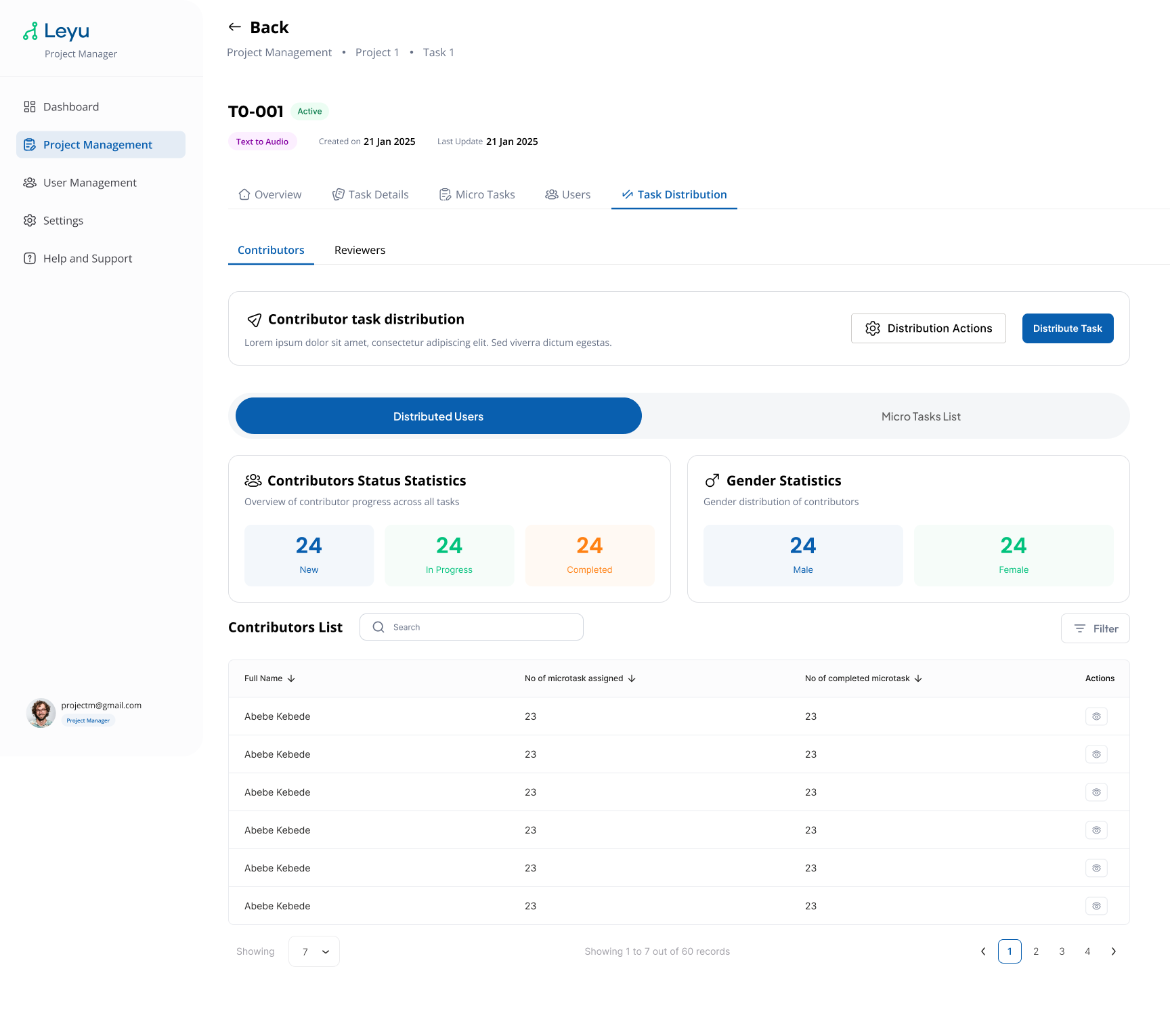
Task distribution controls how micro-tasks are assigned to contributors. You can configure the distribution strategy to balance workload and ensure adequate coverage.
Steps
1. Open Task Distribution Settings
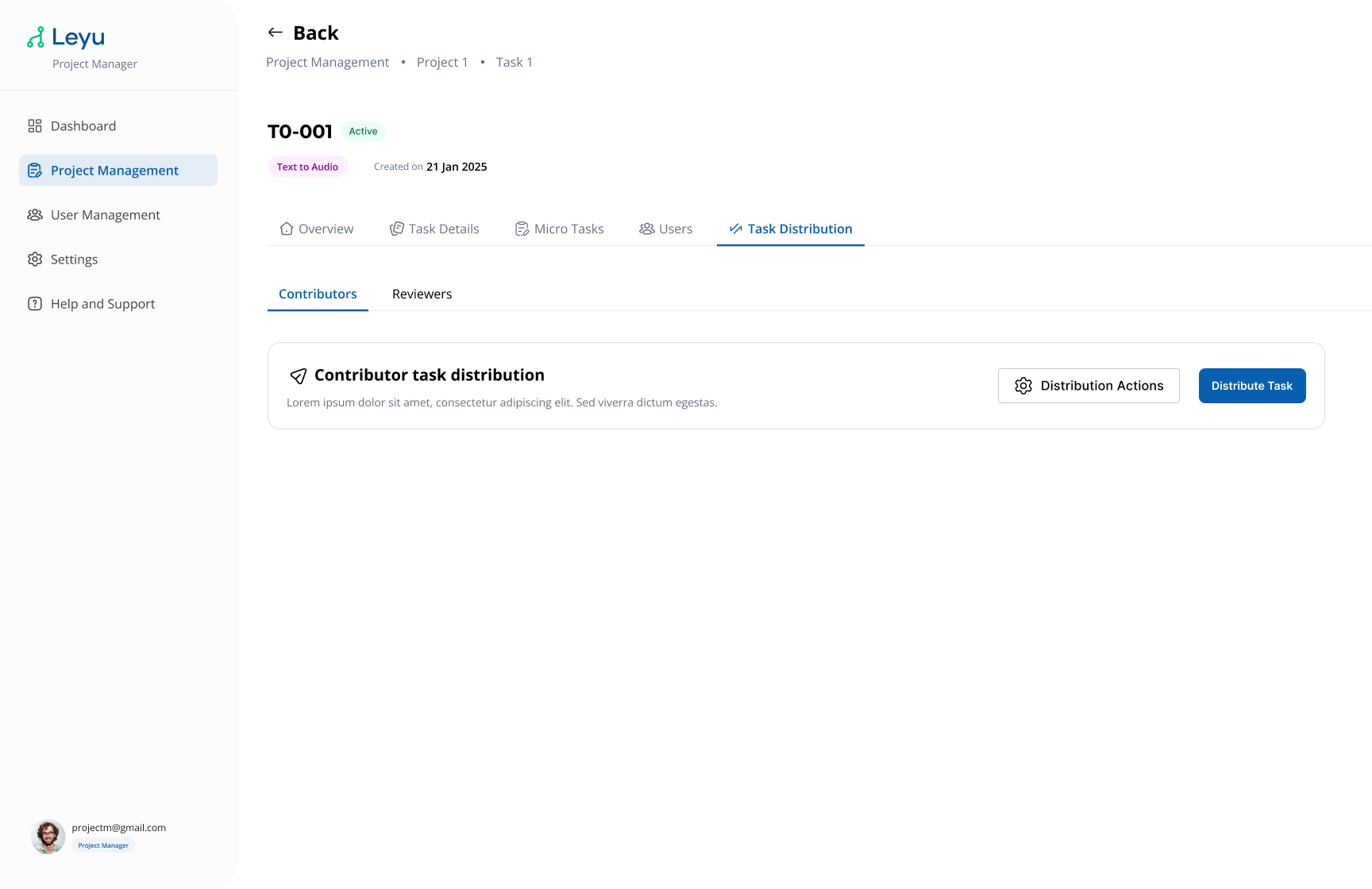
Inside a task, navigate to the Distribution section to configure how micro-tasks are allocated.
2. View Distribution Status
After configuring distribution, you can monitor how micro-tasks have been spread across contributors and track completion progress.