Create Project
A Project is the top-level container for your data collection effort. It groups related tasks and contributors under a single initiative.
Steps
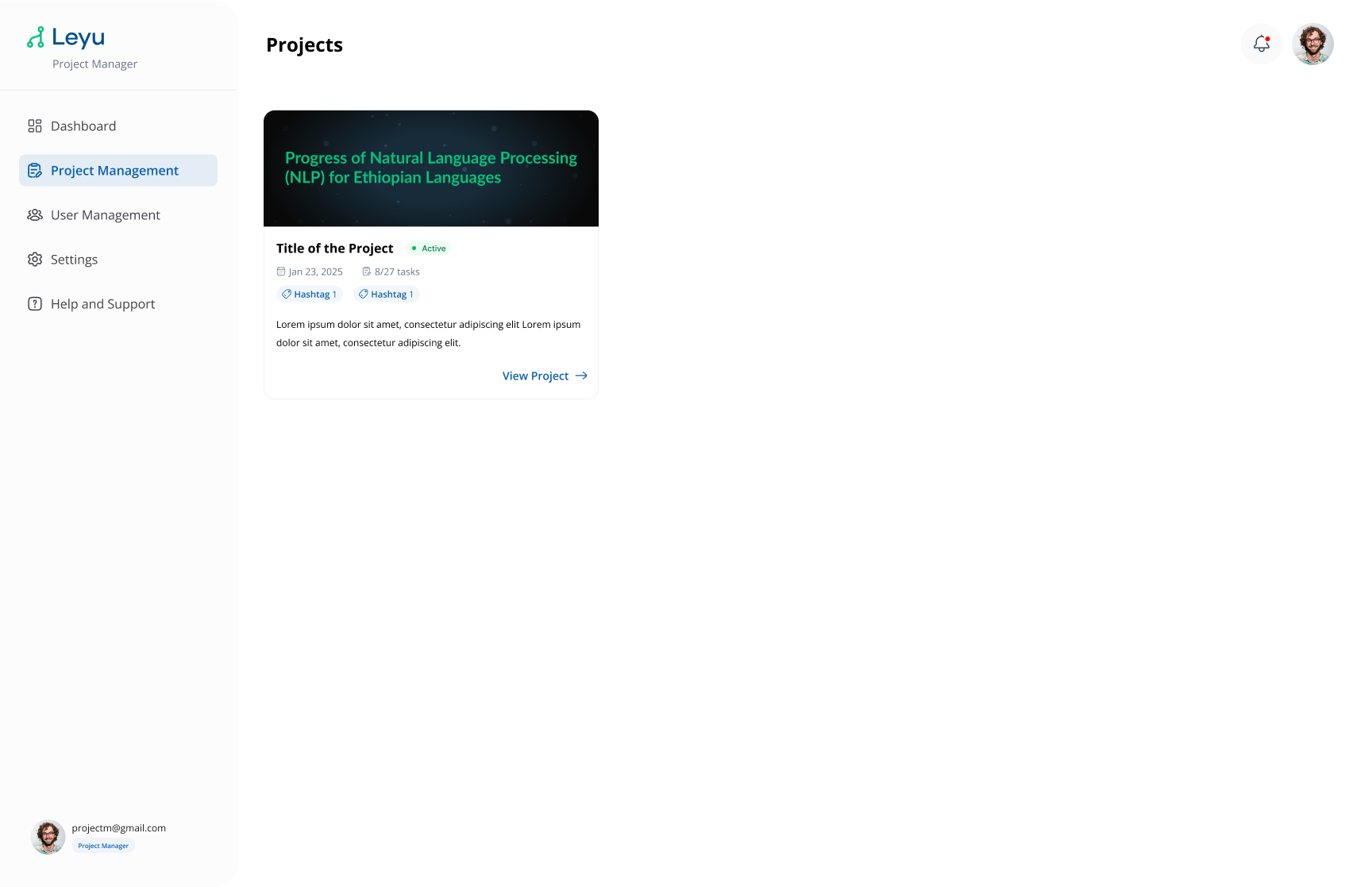
1. Navigate to the Project List
From the dashboard, open the Projects section. You'll see a list of all existing projects you have access to.
2. Create a New Project
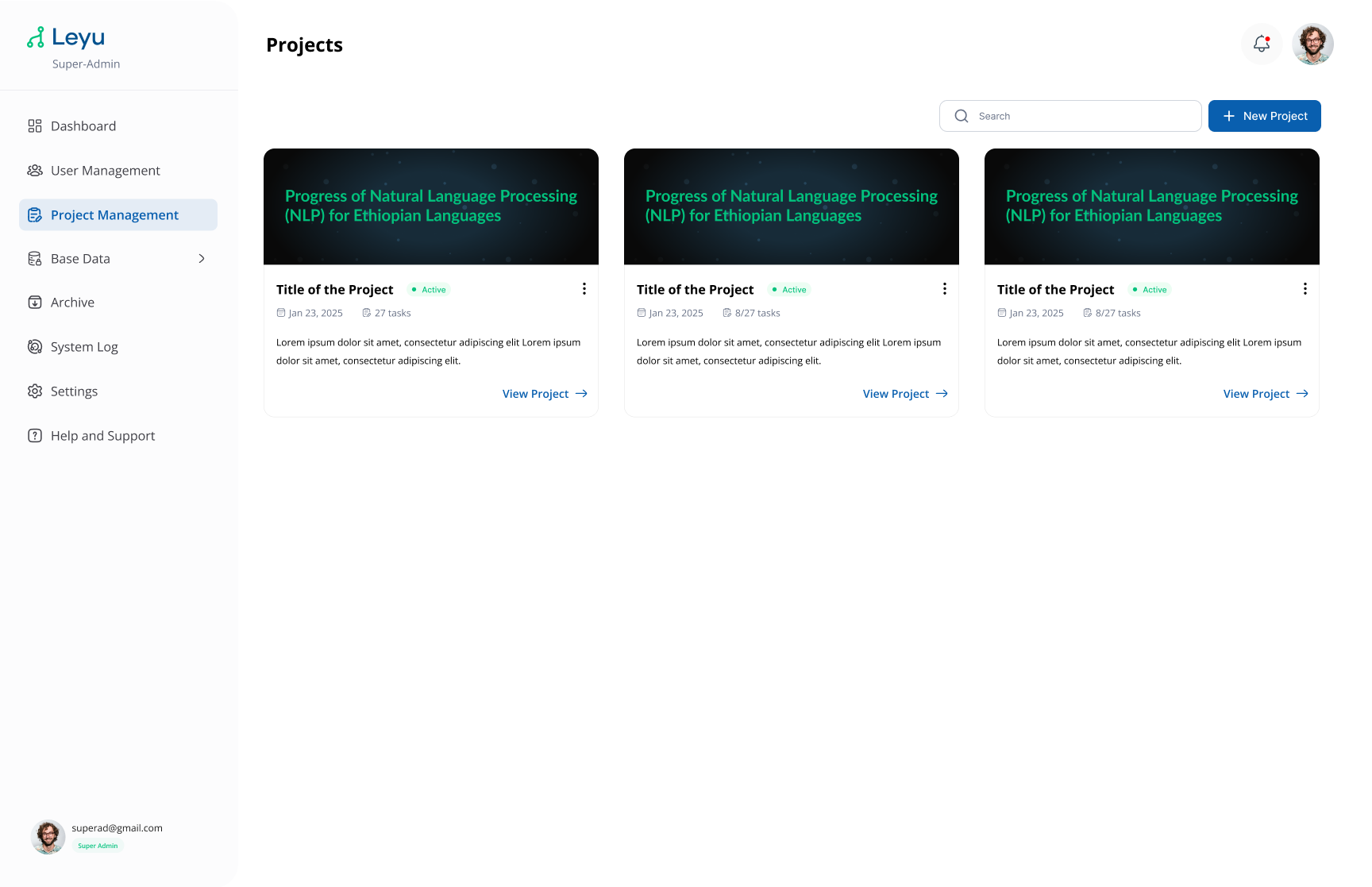
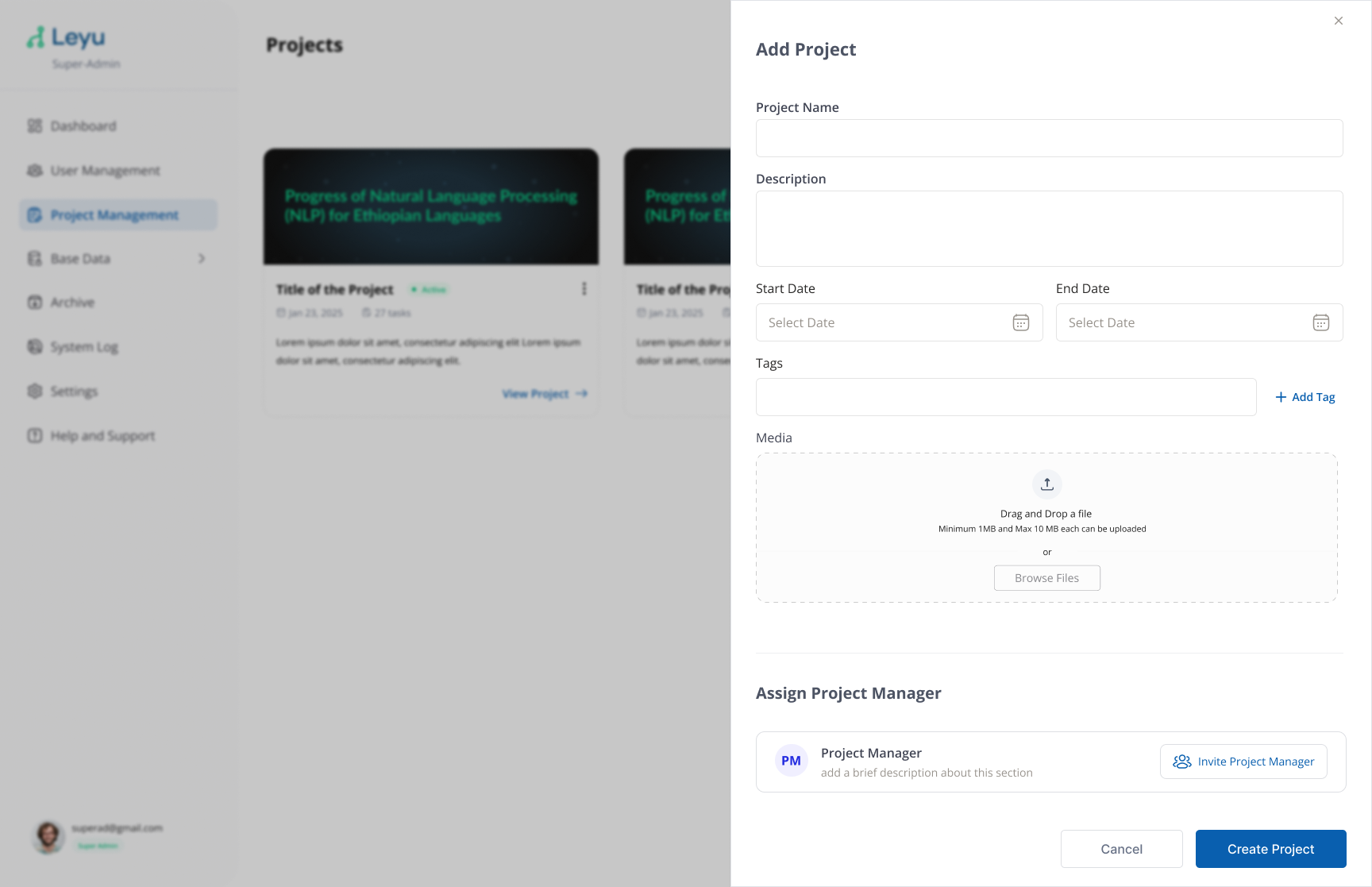
Click the Create Project button. Fill in the following project details:
| Field | Description |
|---|---|
| Project Name | A unique name for your project. |
| Description | A brief description about the project. |
| Date | The project start and end dates. |
| Tags | Keywords to organize and filter projects. |
| Media | A project thumbnail image. |
| Assign Project Manager | A project manager can be invited and assigned to this project via email. |
3. Navigate Into Your Project
Once created, click on the project to open it. From here you can manage tasks, contributors, and monitor progress.