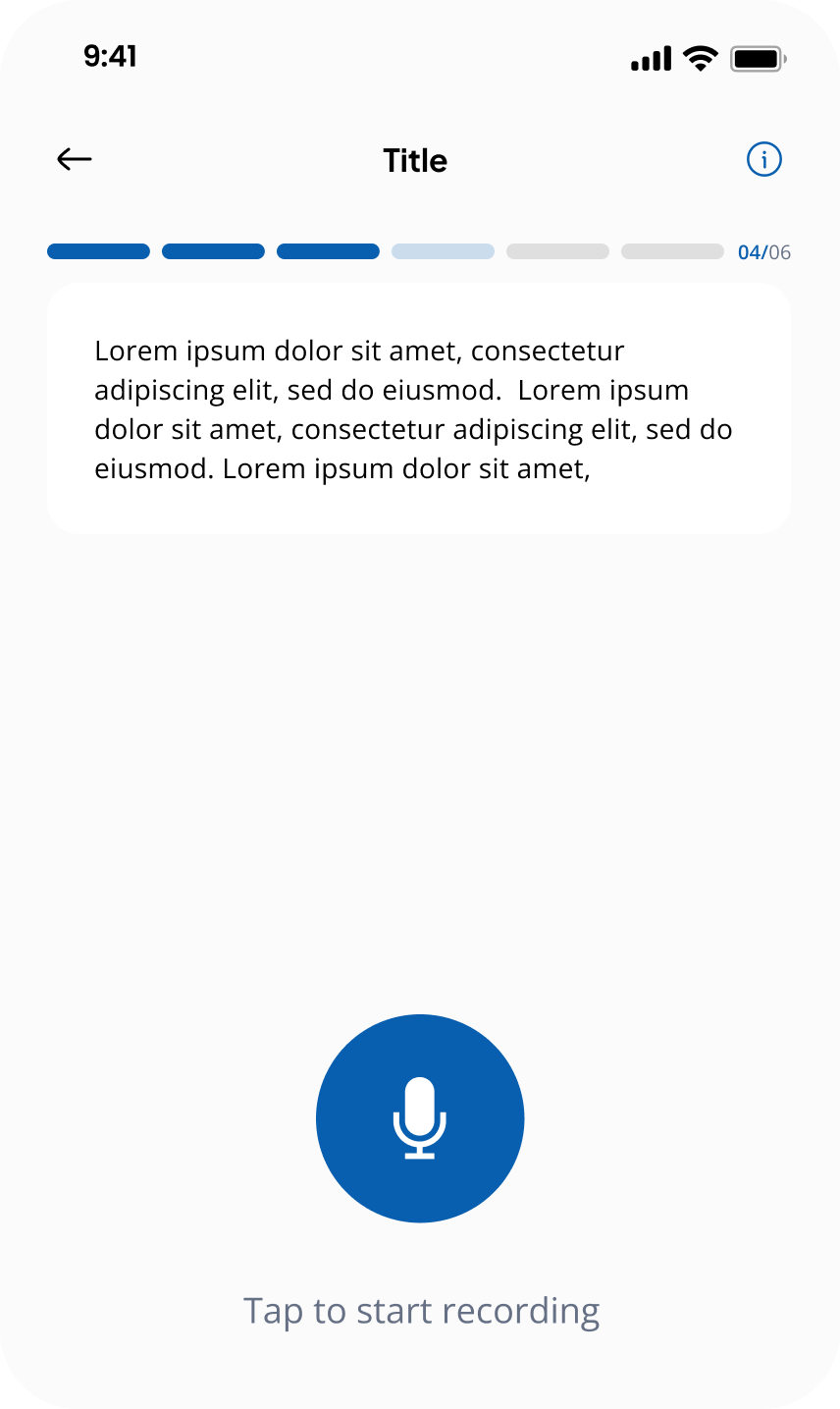
Data Contribution
Contributors complete micro-tasks to submit data. This can be done via the web platform or the mobile app, depending on the task type.
How Does the Mobile App Work?
The mobile app presents tasks one at a time in a chat-like interface:
- Contributors see a single audio clip or text item
- They complete the task (e.g., record audio or transcribe text)
- Move on to the next task until all items are complete
Steps
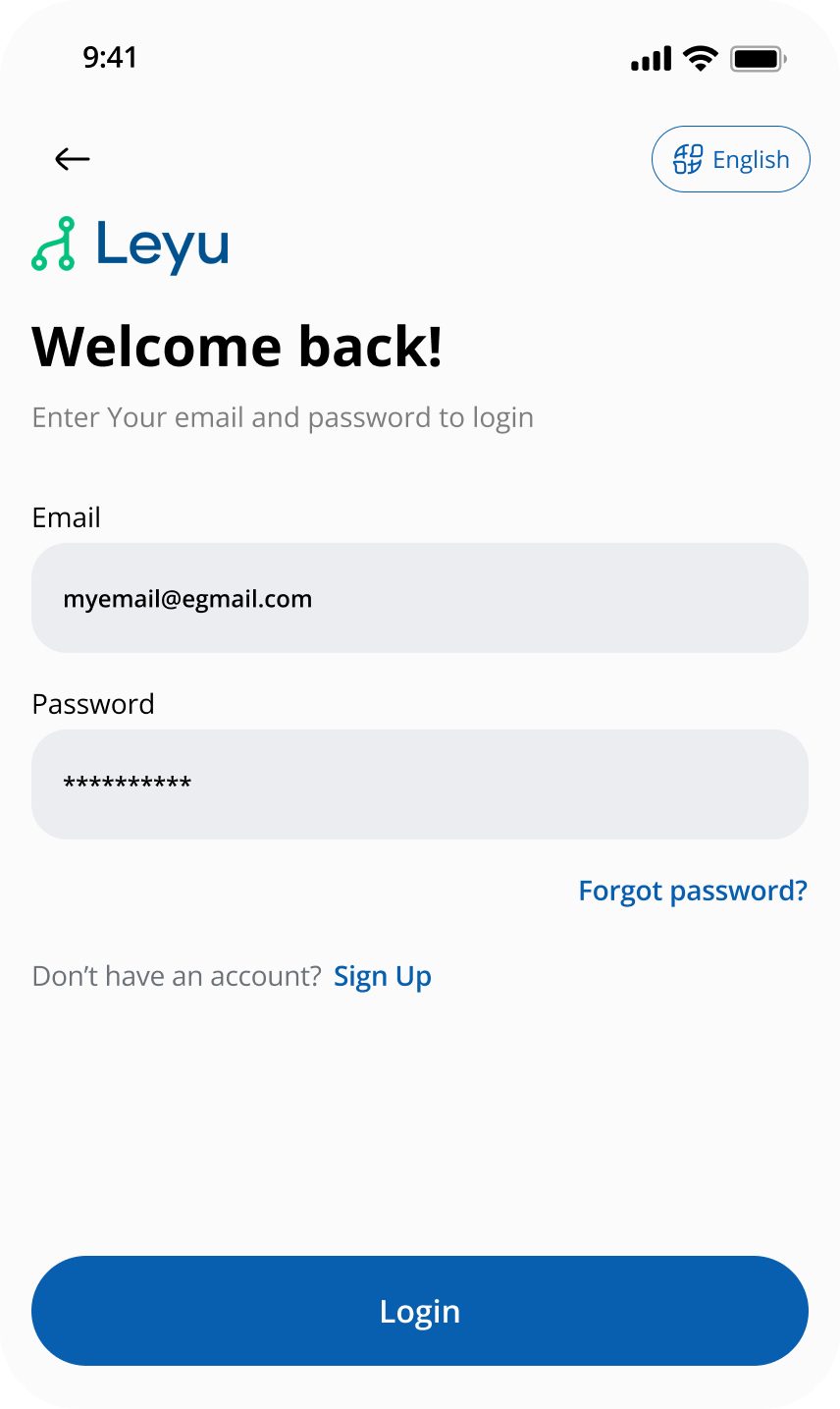
1. Log In
Contributors start by logging into the platform. Mobile contributors use the mobile login screen.
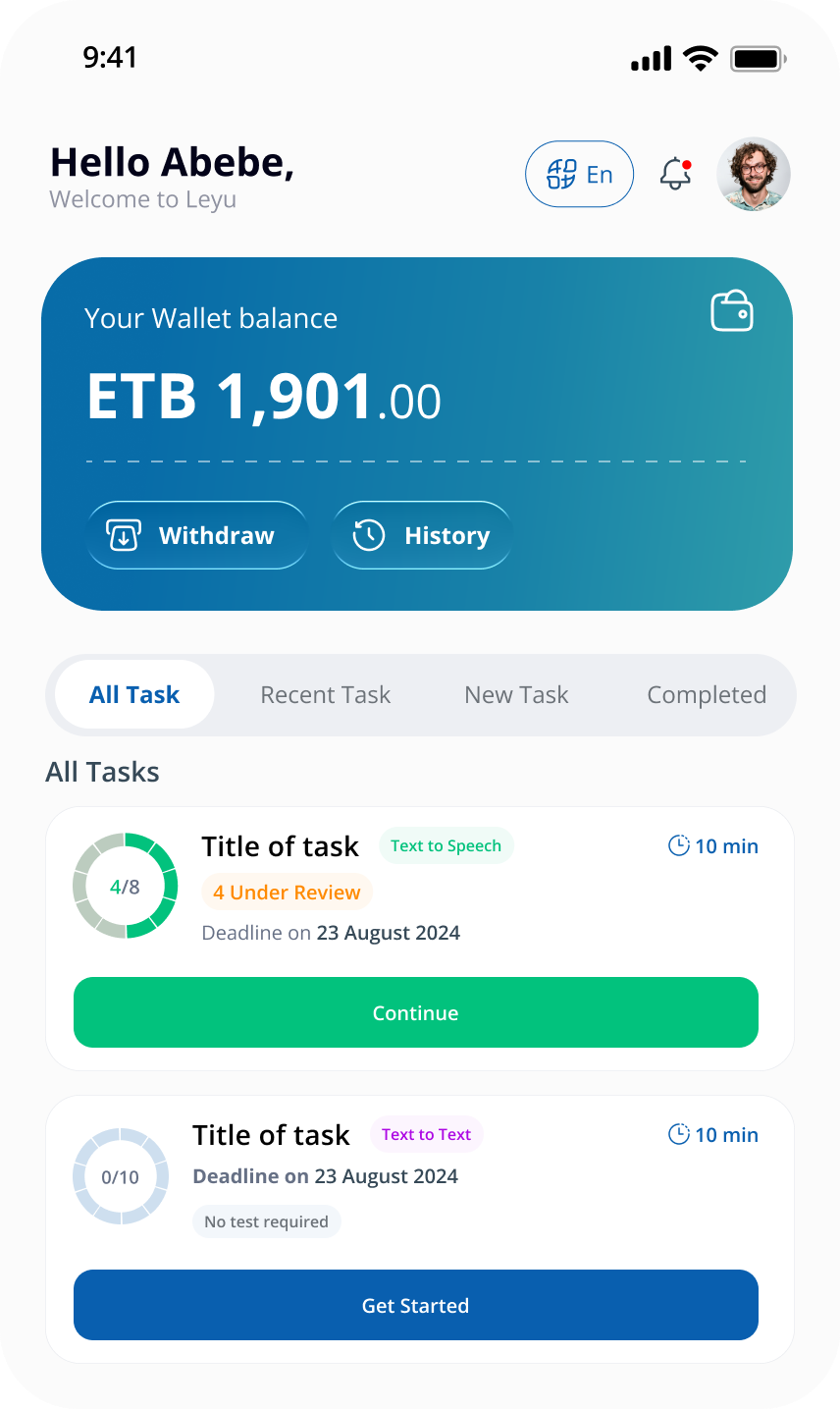
2. View Assigned Tasks (Mobile)
On mobile, contributors see a list of tasks assigned to them. Tapping a task opens the contribution interface.
3. What This Looks Like in Practice
Step 1: Contributor performs the task
The contributor listens to the audio clip and types the transcription.
Step 2: Contributor submits completed tasks
Once all clips are processed, the contributor reviews and submits the batch.