Data Resubmission
When a reviewer rejects a submission, the contributor is notified and given the opportunity to correct and resubmit their work.
Steps
1. Receive Rejection Notification
After a reviewer rejects a submission, the contributor receives a notification with the rejection reason provided by the reviewer.
2. Review the Rejection Reason
The contributor can view the rejection details — including the reviewer's feedback — before making corrections.
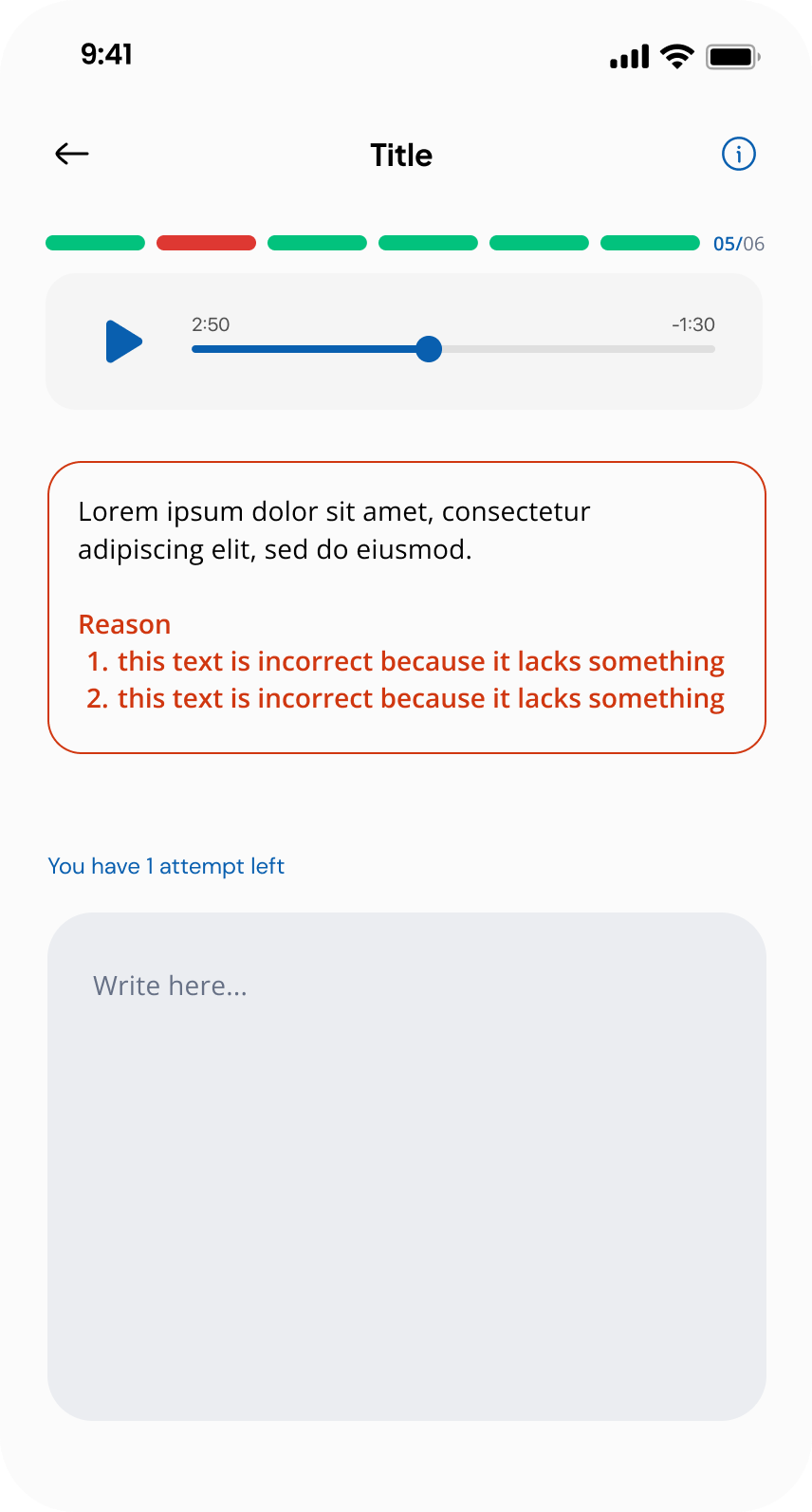
3. Resubmit the Data
The contributor corrects the issue and resubmits the micro-task. The updated submission re-enters the review queue.
tip
Make sure to address all feedback points mentioned in the rejection reason before resubmitting to avoid repeated rejections.